Free · Open source (MIT) · Runs on your computer
A free level editor for the web games your AI makes.
Game Studio opens your game in the browser, next to your AI: drag things where you want them, ask your AI for changes, and click Save. Your AI updates the code.
Install
You need Node.js 22.13 or later. Nothing else gets installed.
Paste this into Claude Code or Codex
Install KUMODeck Game Studio for me by following https://github.com/kumodeck/game-studio/blob/main/INSTALL.mdIn the Claude app or a terminal. Your AI installs Game Studio and opens the editor, with a sample game if your folder is empty.
Or install it yourself:
Claude Code
In your terminal:
claude plugin install game-studio --marketplace kumodeck/game-studioCodex
In your terminal:
codex plugin marketplace add kumodeck/game-studio && codex plugin add game-studio@game-studioStart a new Codex session afterwards.
Then open your AI in your game’s folder (the one with index.html) and type /arrange in Claude Code or $arrange in Codex. No game yet? Do it in an empty folder and choose a 3D or 2D sample.
What you can do
Move things by hand
Click an object and drag it. Turn it, lift it and resize it from the strip under it. Duplicate it with ⌘D, or select several and move them together.
Ask your AI from the editor
Select something and type “add 3 more in a row” in the box at the bottom. The game updates without a reload and only what changed glows violet. Undo AI change puts it back.
See every asset
Assets lists every image, model and sound in your game, which object uses which, and which files are unused or missing. Swap one, or add a new one.
Keep your engine
three.js works out of the box. For Phaser, PixiJS, plain canvas, DOM or a Godot web export, your AI writes a small adapter from the bundled examples.
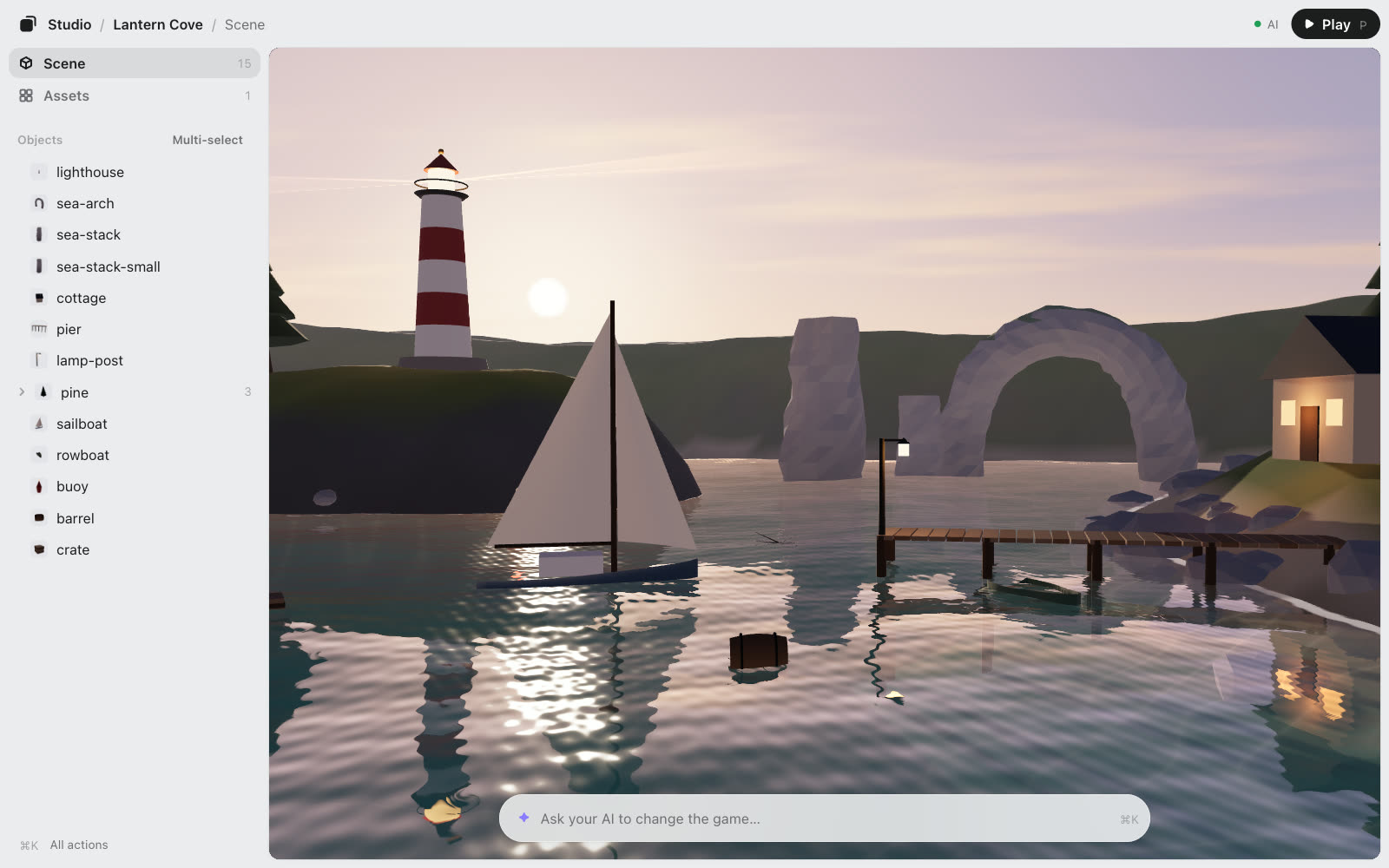
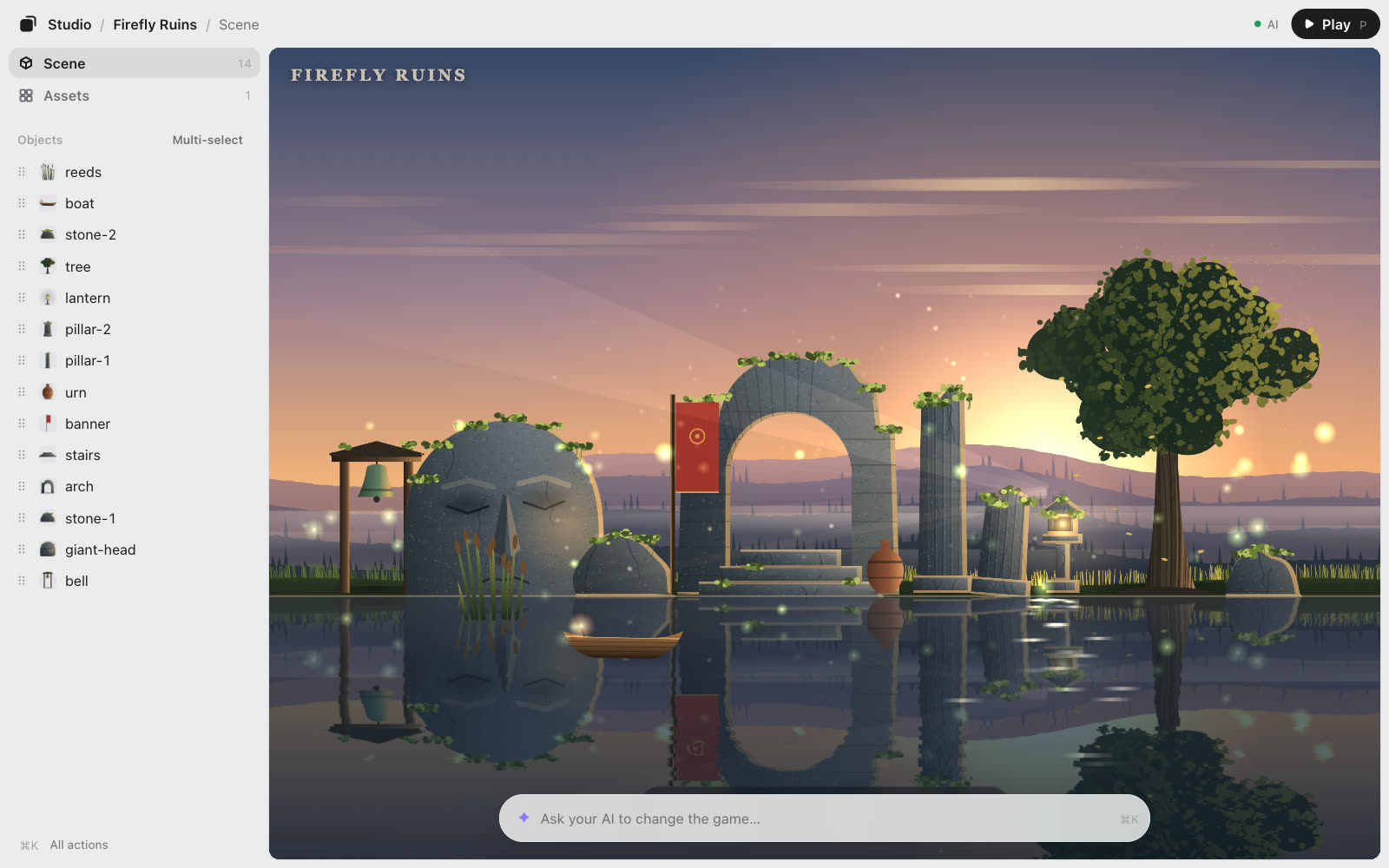
Both samples come with Game Studio.
Free, and it stays on your computer
- No account and no sign-up.
- The editor runs on your computer (
127.0.0.1) and sends nothing anywhere. No telemetry. - It reads and writes only inside your game folder. It never edits your code: your AI does, after asking you how.
- Open source under the MIT license.
Optional: make images and 3D models with KUMODeck
Sign in with KUMODeck (npx kumodeck login) and the Assets page can also make an image (a texture, a background, a sky) or a 3D model from a sentence. It’s paid with KUMODeck credits, and the editor shows the price before you click Make. Everything above works without it.
The code is on GitHub
Read the source, report a problem, or send a change.
Questions: [email protected]